IT Support Projects

IT Support and Administration Project
Designed and implemented a Windows-based IT infrastructure in a virtualized lab environment, integrating on-premises Active Directory with Azure Active Directory to simulate a hybrid enterprise setup. This…
Continue reading…
Software Deployment Using PDQ
Implemented automated software deployment using PDQ Deploy in a Windows lab environment simulating enterprise IT operations to to streamline application installation and updates across multiple domain-joined systems.…
Continue reading…
Microsoft 365 Integration and Management
Microsoft 365 is a comprehensive suite of cloud-based applications and services designed to support productivity, collaboration, and information management for both organizations and individuals. Formerly known as…
Continue reading…
Deploying Software Using Group Policy & Manual Installation RDP
In this lab, I implemented centralized software deployment using Group Policy. The objective was to simulate how organizations push applications to domain-joined computers without manually installing software…
Continue reading…
Multi-factor authentication (MFA)
Multi-Factor Authentication (MFA) is a vital security control that enhances account protection by adding an extra layer of verification beyond passwords. Its primary goal is to reduce…
Continue reading…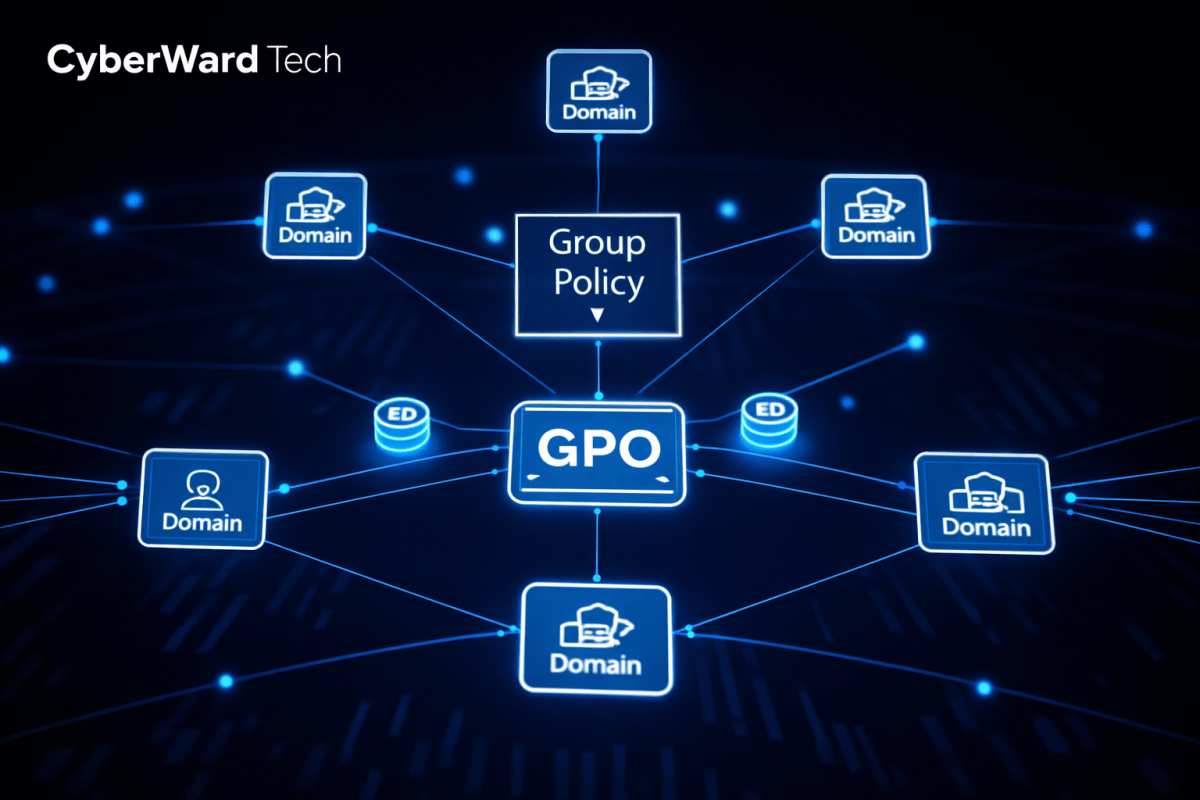
Group Policy Management and Implementation
Group Policy Objects (GPOs) are a Windows Server feature that enables administrators to centrally manage and enforce configuration settings for users and computers within an Active Directory…
Continue reading…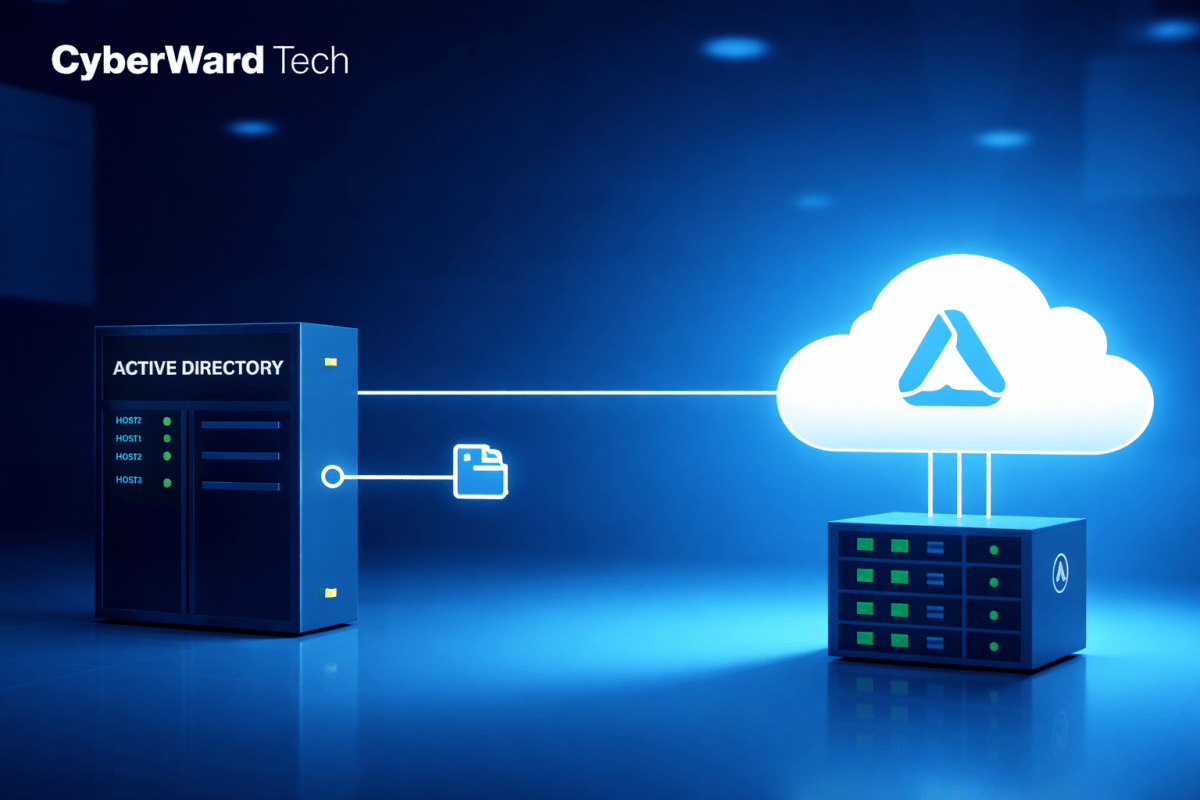
Configuring Azure AD Connect Cloud Sync
In this serie of the project, I will demonstrates the configuration of Azure AD Connect Cloud Sync to synchronize on-premises Active Directory users with Azure Active Directory…
Continue reading…
Users Password Reset on Premises & Azure
Password Reset To continue the homelab, I will now practice another essential skill: resetting user passwords. To simulate a real-world support scenario, I will create a new…
Continue reading…
Users and Group Creation on-premises & Azure AD
User Accounts and Domain Access Although this lab includes only four virtual machines to simulate end-user workstations, I created 20 individual user accounts in Active Directory. This…
Continue reading…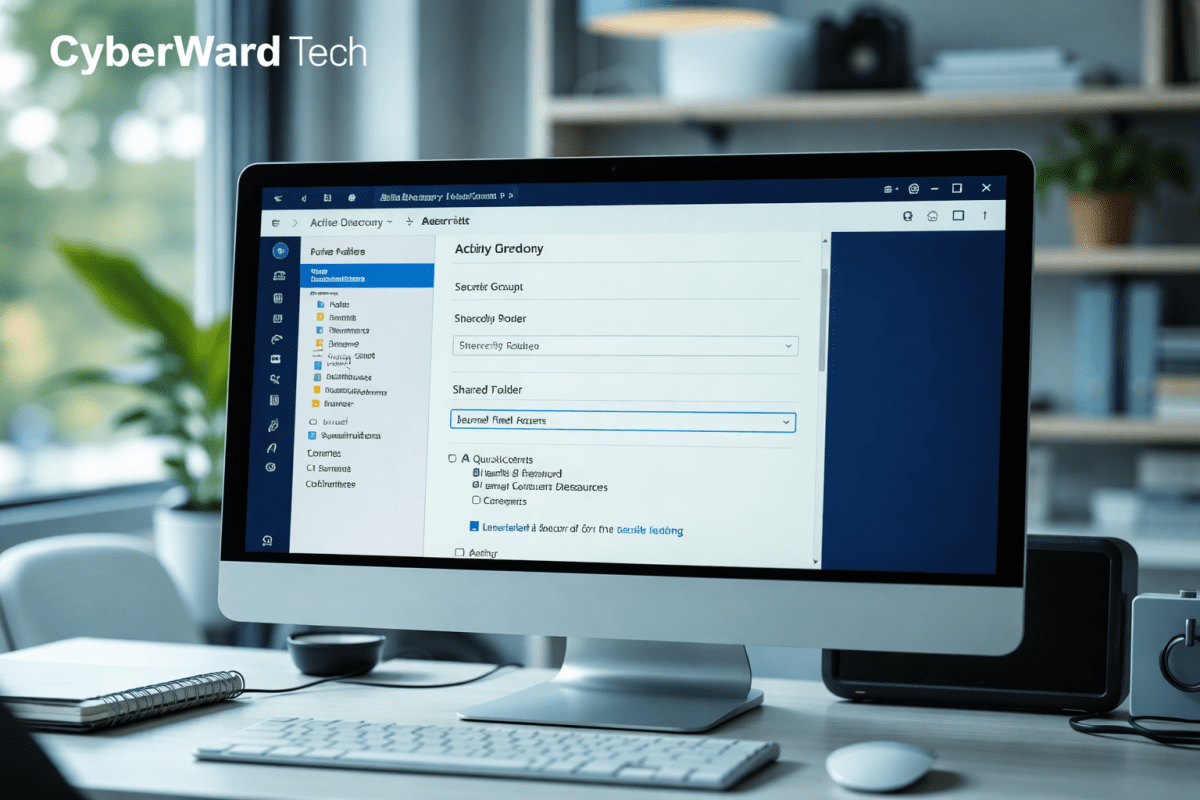
User Creation, Security Groups & Shared Resource Configuration
In this phase of the project, I implemented core Active Directory administrative tasks to simulate a real-world domain environment. I successfully: To validate the configuration, I logged…
Continue reading…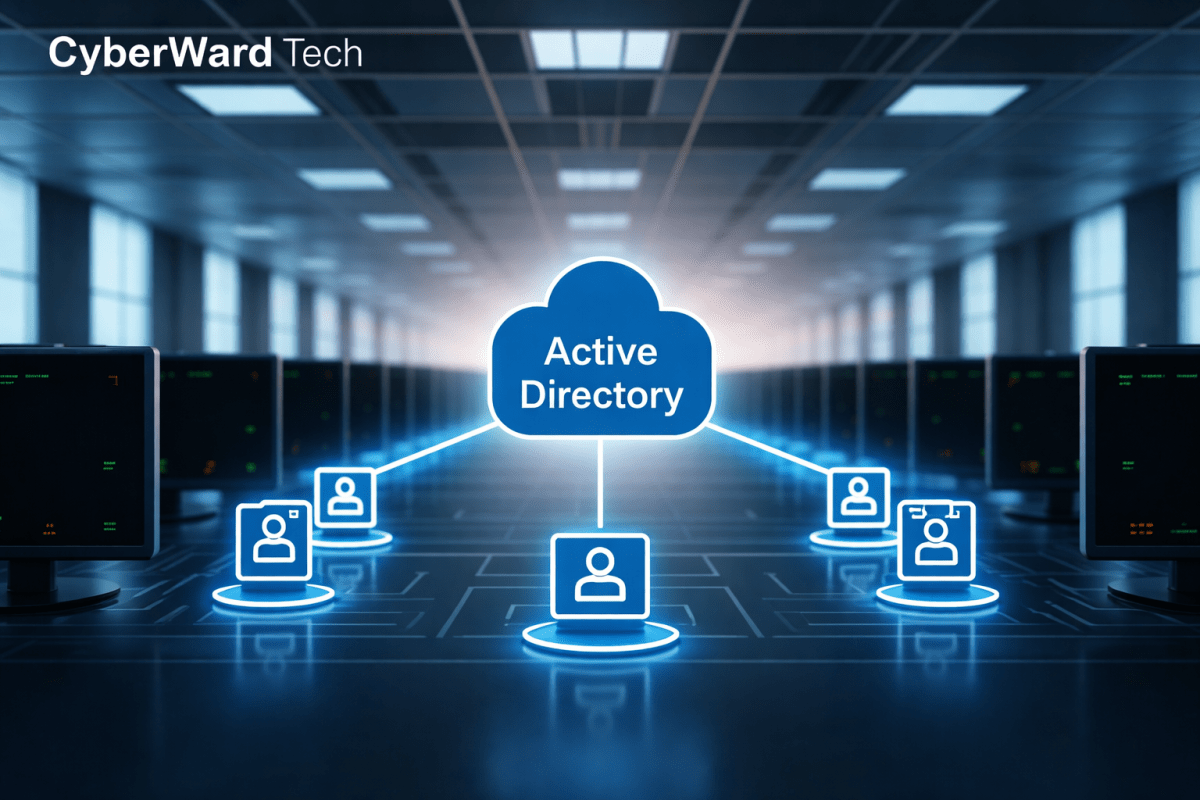
Join all client machines to the domain & Create Organizational Units (OUs)
Configuring DNS for Domain Connectivity Before any client machines or additional servers can join the cyberward.local domain, their DNS settings must be configured to point to the…
Continue reading…
Installing Active Directory Domain Services
What Is Active Directory Domain Services? Imagine an organization with hundreds of employees, each using a different computer. If every machine had its own local users, passwords,…
Continue reading…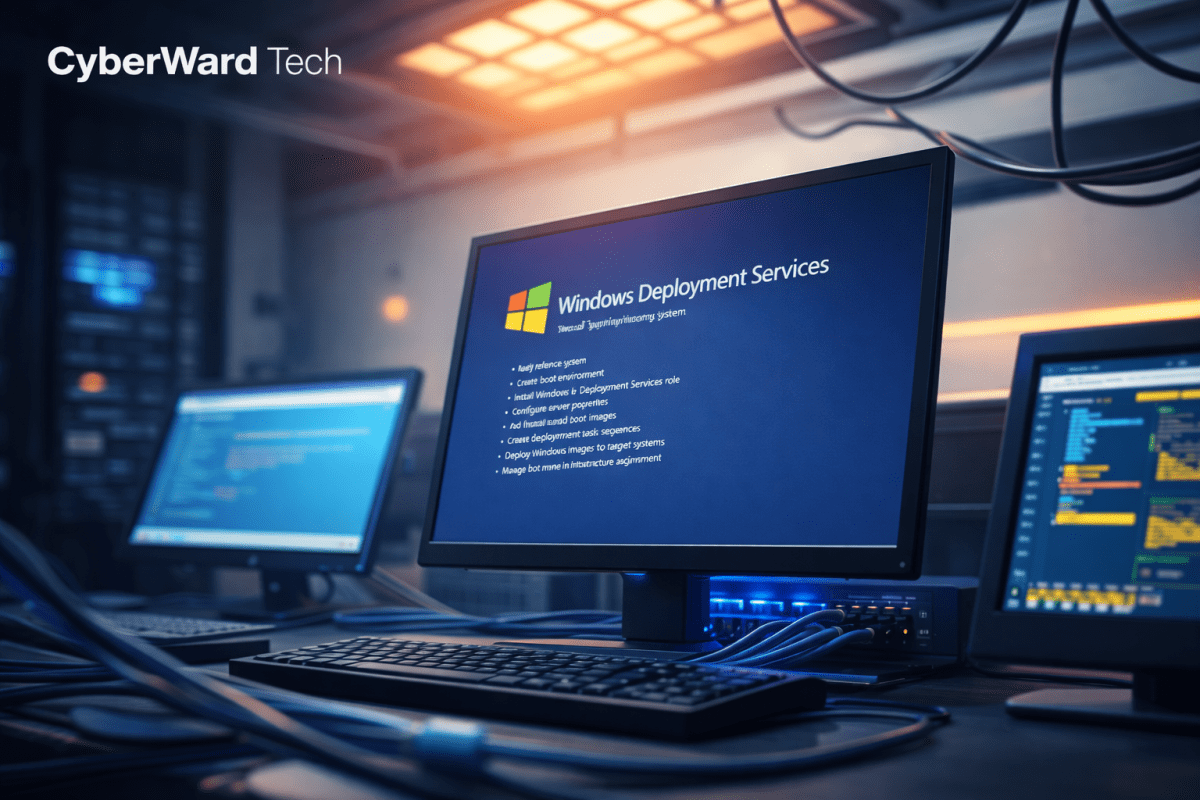
Install Windows Deployment Services (WDS)
Deploying Windows operating systems across multiple computers can be a time-consuming and error-prone task—especially in organizations with many workstations. This is where Windows Deployment Services (WDS) comes…
Continue reading…
Dynamic Host Configuration Protocol (DHCP) server configuration setup
Dynamic Host Configuration Protocol (DHCP) is a network service that automatically assigns IP addresses and other network settings to devices on a network, eliminating the need for…
Continue reading…
Homelab Setup: setting up Virtual Environment | Installing Machines
Introduction This serie focuses on laying the foundation of the homelab by setting up virtualization and installing the core operating systems. Using VirtualBox as the hypervisor, I…
Continue reading… CYBERWARD